
Download WhatsRemote – Chat & Instant Messaging, Android, Free, Secure, Latest Version
Overview
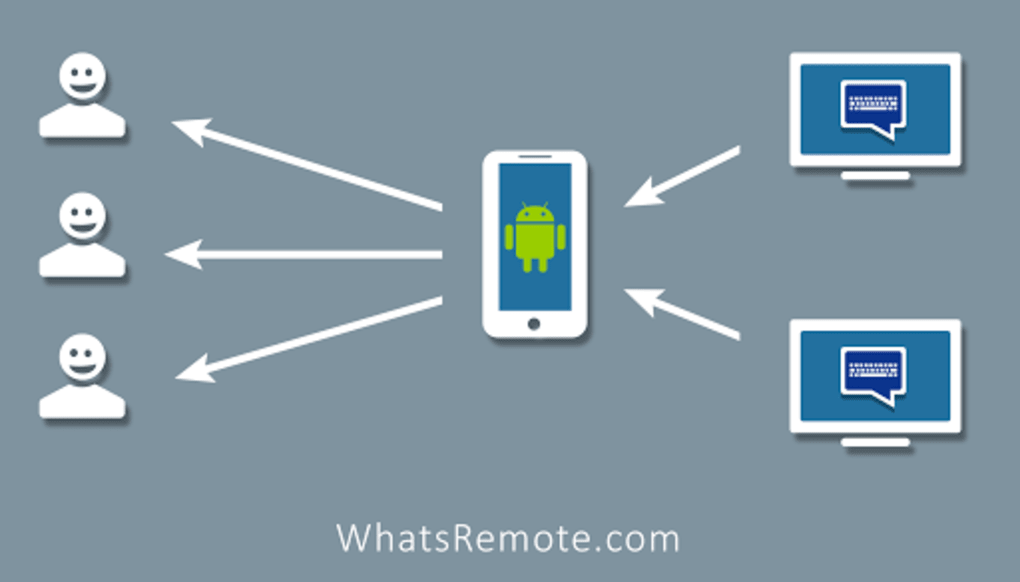
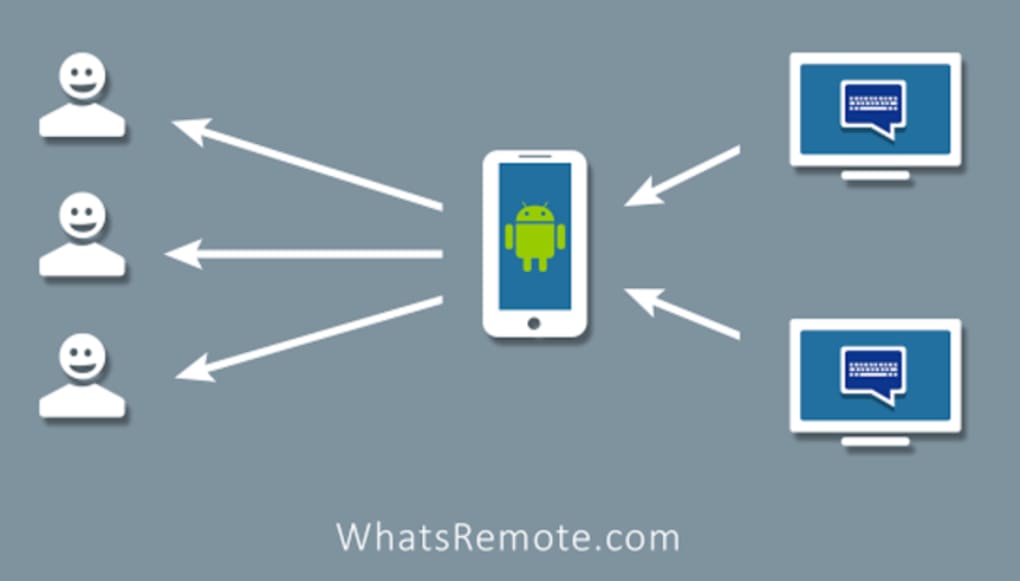
WhatsRemote is a desktop-based utility designed to extend the functionality of WhatsApp on Android devices by enabling remote access and control. As a free program within the 'Chat & Instant Messaging' category, it allows users to manage their WhatsApp conversations from a computer without requiring a physical connection to the phone. The software is specifically built for Android 4.2 and above, making it accessible to a broad range of users who rely on WhatsApp for personal or professional communication.
Its primary purpose is to streamline messaging workflows by allowing users to send and receive messages, view chat history, and manage media files from a desktop environment. This can be particularly useful for individuals who spend significant time on their computers and wish to maintain uninterrupted communication. The target audience includes casual users, remote workers, and small business owners who use WhatsApp for daily interactions.
Developed by WhatsRemote, the application has been available since November 13th, 2013, indicating a long-standing presence in the mobile companion software space. Although it has not been tested by Softonic, the software's continued availability suggests ongoing maintenance and support. Real-world usage scenarios include managing customer inquiries, coordinating team tasks, or simply avoiding constant phone checking during work hours.
Key Features & Capabilities
- Remote WhatsApp Access – Users can access their WhatsApp account from a desktop computer, enabling message management without needing the phone nearby.
- Message Synchronization – Messages sent or received on the desktop are synchronized with the Android device in real time, ensuring consistent chat history across platforms.
- Media File Management – The ability to view, download, and share images, videos, and documents directly from the desktop interface.
- Multi-Device Compatibility – Designed to work with Android 4.2 and later, supporting a wide range of smartphones and tablets.
- Lightweight Design – With a download size of only 1.12 MB, the software is optimized for minimal system impact and fast installation.
These features support efficient workflow integration, especially for users who prefer typing on a full keyboard or managing multiple conversations simultaneously. For example, a small business owner can respond to client messages while working on a spreadsheet, improving productivity. Similarly, remote team members can maintain communication without switching between devices constantly.
User Interface, Workflow & Performance
The user interface of WhatsRemote appears to be straightforward, focusing on core messaging functions without unnecessary complexity. Navigation is likely centered around a chat list, message input field, and media preview panel, following common patterns seen in desktop messaging tools. The design emphasizes usability, allowing users to quickly access conversations and send replies.
Workflow efficiency is enhanced by the ability to manage messages and files directly from the desktop, reducing the need to switch between devices. The software likely operates in the background after setup, syncing with the Android device via Wi-Fi or a local network connection. However, exact performance details were not specified, including CPU or RAM usage.
Stability and responsiveness depend on network conditions and the reliability of the connection between the desktop and the Android device. The developer did not provide additional system requirements or performance benchmarks. General software behavior patterns suggest that the application maintains low resource consumption due to its lightweight size, but specific observations are not available.
Compatibility & System Requirements
WhatsRemote is compatible with Android 4.2 and above, ensuring support for a wide range of older and newer devices. The software is available exclusively in English, which may affect non-English-speaking users. The current version is 1.6, and the download file size is 1.12 MB, indicating a minimal footprint on storage.
Platform compatibility information is limited to Android and the desktop application, with no details provided on the specific operating systems supported by the desktop client. The developer did not specify whether the software runs on Windows, macOS, or other desktop environments. Similarly, exact system requirements such as RAM, processor, or disk space were not listed.
Users should ensure their Android device meets the minimum OS requirement and that both devices are connected to the same network for optimal functionality. The lack of detailed compatibility data means users may need to test the software directly to confirm its operation on their setup.
Pros and Cons
Pros
- Free to download and use, making it accessible to a wide audience.
- Lightweight design with a small file size of 1.12 MB.
- Enables remote WhatsApp management from a desktop computer.
- Real-time message synchronization between devices.
- Supports media file viewing and sharing from the desktop.
Cons
- Only available in English, limiting accessibility for non-English speakers.
- Exact desktop OS compatibility was not specified.
- No information on system requirements or resource usage.
- Software has not been tested by Softonic, so real-world performance is unverified.
- Version 1.6 has been available since 2013, raising questions about ongoing updates.
FAQ Section
Is WhatsRemote safe to use?
While the software is available on Softonic, a trusted platform, no independent security audit or third-party verification has been conducted. Users should ensure their devices are protected with up-to-date antivirus software and avoid sharing sensitive information through the app.
Can I use WhatsRemote without an internet connection?
Yes, but only if both the Android device and the desktop are connected to the same local network. The software requires a Wi-Fi connection for synchronization and communication between devices.
Does WhatsRemote require a paid subscription?
No, WhatsRemote is a free program. There are no known subscription fees or in-app purchases associated with the software.
Is the software compatible with Windows and Mac?
The developer did not specify which desktop operating systems are supported. Users should test the software directly to confirm compatibility with their system.
How often is WhatsRemote updated?
The current version is 1.6, released on November 13th, 2013. No recent update information is available, which may indicate limited or no active development.
Final Thoughts
WhatsRemote offers a practical solution for users seeking to manage WhatsApp conversations from their desktop. Its lightweight nature and remote access functionality make it a viable tool for improving communication efficiency, especially for those who spend long hours on their computers. While the software lacks modern design elements and updated features, its core functionality remains relevant for basic messaging needs.
However, the absence of detailed system requirements, lack of recent updates, and limited language support are notable drawbacks. Users should proceed with caution, particularly if they require high reliability or advanced features. Despite these concerns, the free nature and simple setup make it worth trying for basic use cases.
Download WhatsRemote now and experience seamless WhatsApp management from your desktop.





.png)

